
Audio Cable
Optical to RCA Converter
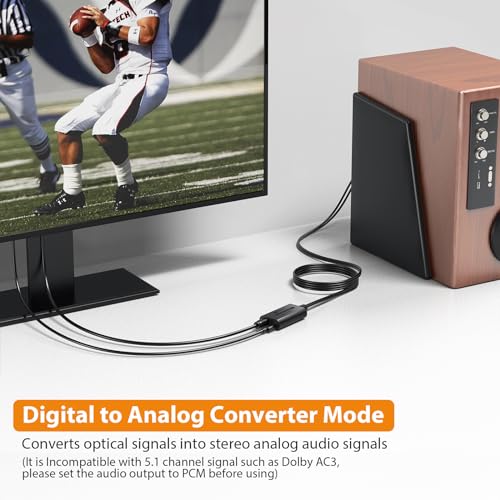
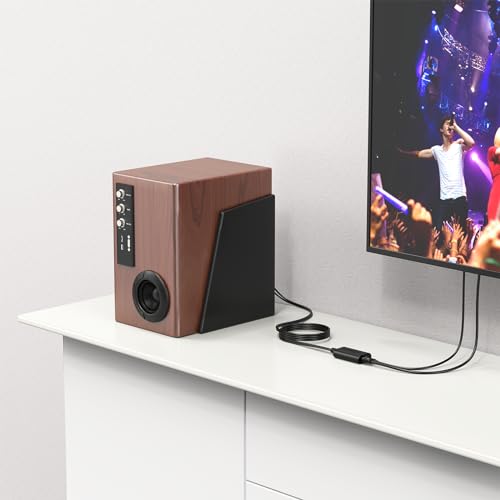
Convert your digital audio signals from SPDIF or Bluetooth to stereo analog signals compatible with your amplifier. This converter is perfect for connecting different audio interfaces to analog amplifiers, ensuring seamless audio compatibility for devices such as HDTVs, set-top boxes, DVD/Blu-Ray players, and gaming consoles.
Wireless Connectivity
Equipped with a built-in Bluetooth receiver, this DAC converter allows wireless connections to smartphones, tablets, or computers, offering a range of up to 10 meters. The latest 5.1 AAC SBC lossless transmission technology ensures a more realistic audio listening experience.
Ultra-High-Definition Audio
The Neoteck Digital to Analog Converter supports up to 192kHz sampling rates, offering high-quality audio transmission. It comes with a high-performance DAC amplifier chip, amplifying the RCA output level to ensure pure, clear, and powerful sound, enhancing your audio and video enjoyment.
Step-by-Step Guide
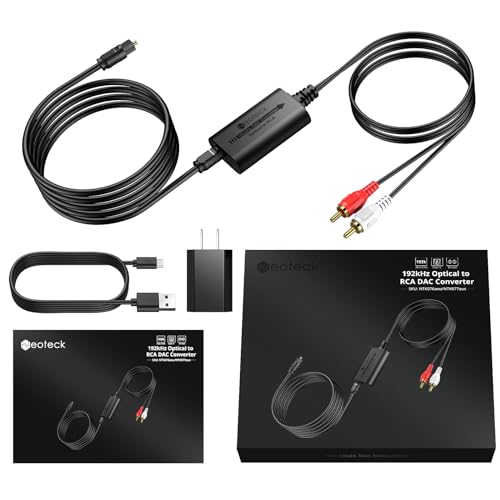
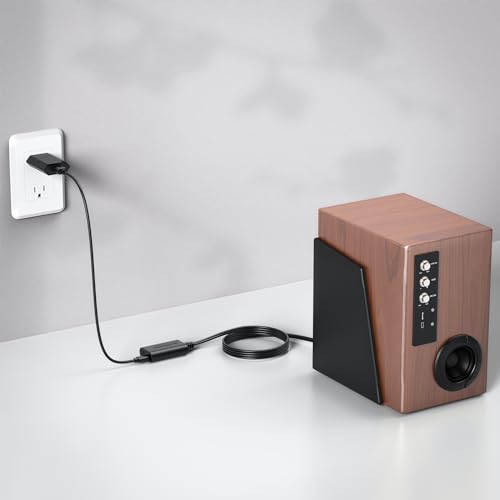
1. Cable Connection: Connect the power adapter and USB power cable to the USB port of the RCA cable, then link both ends to the sound equipment and power supply.
2. Turn on Bluetooth: In the settings menu, go to Bluetooth and select "Neoteck RX5.0" to pair.
3. Start Using: After successful Bluetooth connection, the converter automatically switches to Bluetooth playback mode.
Uncompressed 2.1-Channel PCM
Our DAC adapter supports uncompressed 2.1-channel PCM digital audio signals, providing electromagnetic-noise-free transmission. It works well with HDTVs, set-top boxes, DVD/Blu-Ray players, and game consoles. For compatibility with 5.1-channel signals, set the audio output to PCM before use.
Compact and Portable
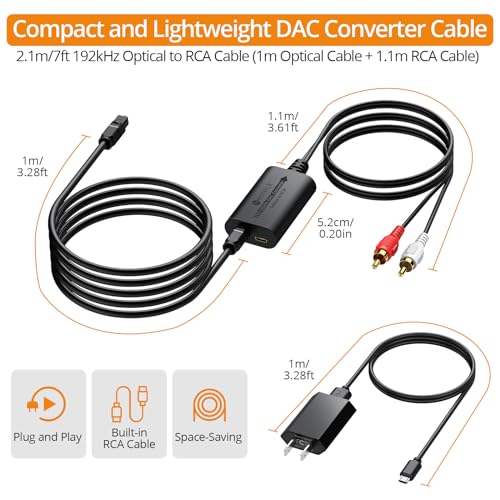
With a built-in RCA cable, the converter is compact and lightweight, designed for easy wall-mounting and space-saving use. It is simple to install and operate, especially convenient for the elderly to use at home. Ideal for home theater, teaching, training structures, conference rooms, appliance stores, and other locations.
Common Issues and Solutions
1. Power Adapter Requirement: The converter is designed for 5V 1A power adapters, included in the package.
2. Power Connection Issues: Ensure the USB cable is connected to the power device or the USB interface that supplies power.
3. Connection Loose: If the converter is not working, ensure the power adapter and cable connectors are securely plugged in and reconnected.
4. Input/Output Mode Issues: If compatibility problems arise, check and change the input or output mode as needed.


 Sale
 Sale
 Sale
 Sale
